Press
Press kit
Everything needed to write about, review or feature StudioZIO plug-ins. The assets on this page may be used in reviews, roundups, videos and articles without asking first.
Press enquiries: studiozioplugins@gmail.com. For a bug or a support question, use the contact form instead.
Descriptions
Written to be quoted directly
One line
StudioZIO makes audio tools for macOS, with clear controls and practical workflows for recording, mixing and mastering.
Short description
StudioZIO is an independent audio software project by Mert Erkan. Its macOS tools cover mixing, mastering and vocal processing, with an emphasis on readable interfaces, direct controls and useful metering. The released plug-ins are free, with no account or registration required.
Full description
StudioZIO develops audio software for musicians, producers and engineers working on macOS. The catalogue spans dynamics, tone shaping, time-based effects, vocal processing and complete mixing and mastering workflows. Across these tools, the design puts controls and feedback close together so users can understand what they are changing while listening. The released plug-ins are free and require no account or registration. Compatibility and format support are documented on each product page, alongside installation details and release information. StudioZIO is an independent project created by Mert Erkan.
Products
Tools for the whole session
From individual processors to integrated workflows, StudioZIO tools support recording, mixing and mastering. Explore the product catalogue for current versions, availability, compatibility and downloads.
For technical context and design decisions, visit the technical notes.
Accuracy
Facts worth getting right
- Developer
- One person, not a company. Credit: Mert Erkan.
- Price
- The released plug-ins are free permanently. Not a trial, not time-limited, not feature-locked, not a reduced version of a paid tier.
- Signing
- Developer ID signed and Apple notarised, so there is no Gatekeeper warning.
- Registration
- The free plug-ins need no account, no iLok and no email registration at any point.
- Platform
- macOS only. No build exists for any other platform and none is planned.
- Compatibility
- Mac architecture and minimum macOS requirements vary by product. Check the product catalogue before downloading.
- Pro Tools
- Every released product ships an AAX build, validated in Pro Tools. The history of this development path is available in a technical note.
Assets
Images
StudioZIO brand assets and share cards for reviews, roundups and articles.
- StudioZIO mark
- SVG, scalable, cyan on near-black
- StudioZIO share card
- PNG, 1200 x 630
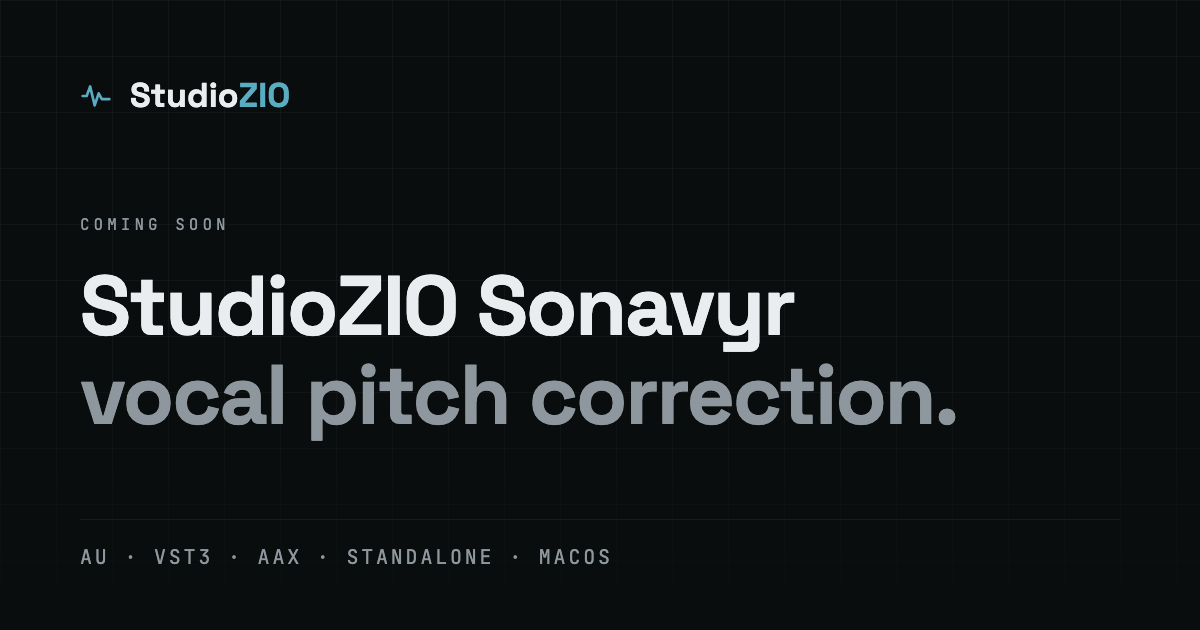
- Sonavyr Coming Soon share card
- PNG, 1200 x 630


Videos and product walkthroughs are available on the StudioZIO channel.
Elsewhere: the KVR developer page carries release notes and development posts, and Instagram carries the shorter material.
Product guide
Sonavyr Guide from Zero
Explore Sonavyr’s Natural and Synthetic engines, controls, workflow and technical specifications in the illustrated English guide.
- Version
- Sonavyr 1.0.0
- Status
- Coming soon
- Language
- English
- Format
- PDF, 9 pages
Press kit
All You Need to Know About StudioZIO MixRack
Download the StudioZIO MixRack 1.0.0 press kit: verified technical specifications, approved product screenshots, cleared brand assets, and ready-to-use 50, 100 and 150-word descriptions.
- Version
- MixRack 1.0.0
- Release date
- 29 September 2026
- Platform
- macOS 11+
- Formats
- AU · VST3 · AAX · Standalone — Universal, arm64 + x86_64